
Published: March 2020 | Last Updated:October 2026
© Copyright 2026, Reddog Consulting Group.

You have a shipment staged, a few SKUs that went quiet after a promo, and an Inventory Performance Index note that never names the carton eating the margin. Units still show as available. What is stuck is the cubic space and the cash you cannot use on the next buy.
That is the job when you manage inventory on Amazon. FBA and FBM are two cost structures for the same SKU, not two dashboards. A healthy unit count can still be the item you should cut, move, or stop buying. I would not start with a larger purchase order. I would start with contribution after fees, storage, and ads, then divide by the cubic feet that unit occupies.
Run a weekly scorecard, not the default inventory view. Amazon's Fulfillment by Amazon help scores how efficiently you manage stock through the Inventory Performance Index (IPI). The index is a composite of excess inventory percentage, stranded inventory percentage, FBA sell-through rate, and FBA in-stock rate, not sales alone.
Sell-through is units shipped in the previous 90 days divided by the average units held in fulfillment centers over that period. In-stock rate is the share of time replenishable ASINs were available in the last 30 days, weighted by each SKU's sales over the prior 60 days. Those two pull in opposite directions. A high in-stock rate with a weak sell-through rate usually means you bought availability you are not turning. A high sell-through rate with a weak in-stock rate means the winners are dark and the long tail is what is left.
Two fee drivers sit beside that score. Aged units at 181 days or more start the surcharge clock. The storage utilization ratio compares inventory volume with shipped volume over 13 weeks. A brand can look “in stock” and still pay for cube that is not leaving the building.
The dashboard also splits units into available, fulfillment-center transfer, researching, unfulfillable, and reserved. Only available units can support a sale today. Planning off total units overstates cover.
| Metric | What it measures | Push it | Review cadence |
|---|---|---|---|
| Inventory Performance Index (IPI) | Composite score of inventory efficiency and productivity | Higher | Monthly |
| Excess inventory % | Share of stock beyond projected demand | Lower | Weekly |
| Stranded inventory % | Units without an active detail page or offer | Near zero | Weekly |
| FBA sell-through rate | Units shipped in 90 days divided by average units held | Higher | Biweekly |
| FBA in-stock rate | Share of time replenishable ASINs were available, sales-weighted | Higher, without pushing excess | Weekly |
| Aged units (181+ days) | Units exposed to aged-inventory surcharges | Lower | Monthly, before the 14th |
| Storage utilization ratio | Inventory volume versus shipped volume over 13 weeks | Lower | Monthly |
Weekly check: IPI trend, in-stock rate on the top ten SKUs by revenue, and aged units that must be actioned before the 14th removal cutoff.
Do not average the catalog. A strong in-stock rate on slow SKUs can hide stockouts on the ten ASINs that pay the bills.
Safety stock is days of cover sized to demand swings and lead-time swings. A flat percentage on every SKU overstocks the stable items and still misses the erratic ones.
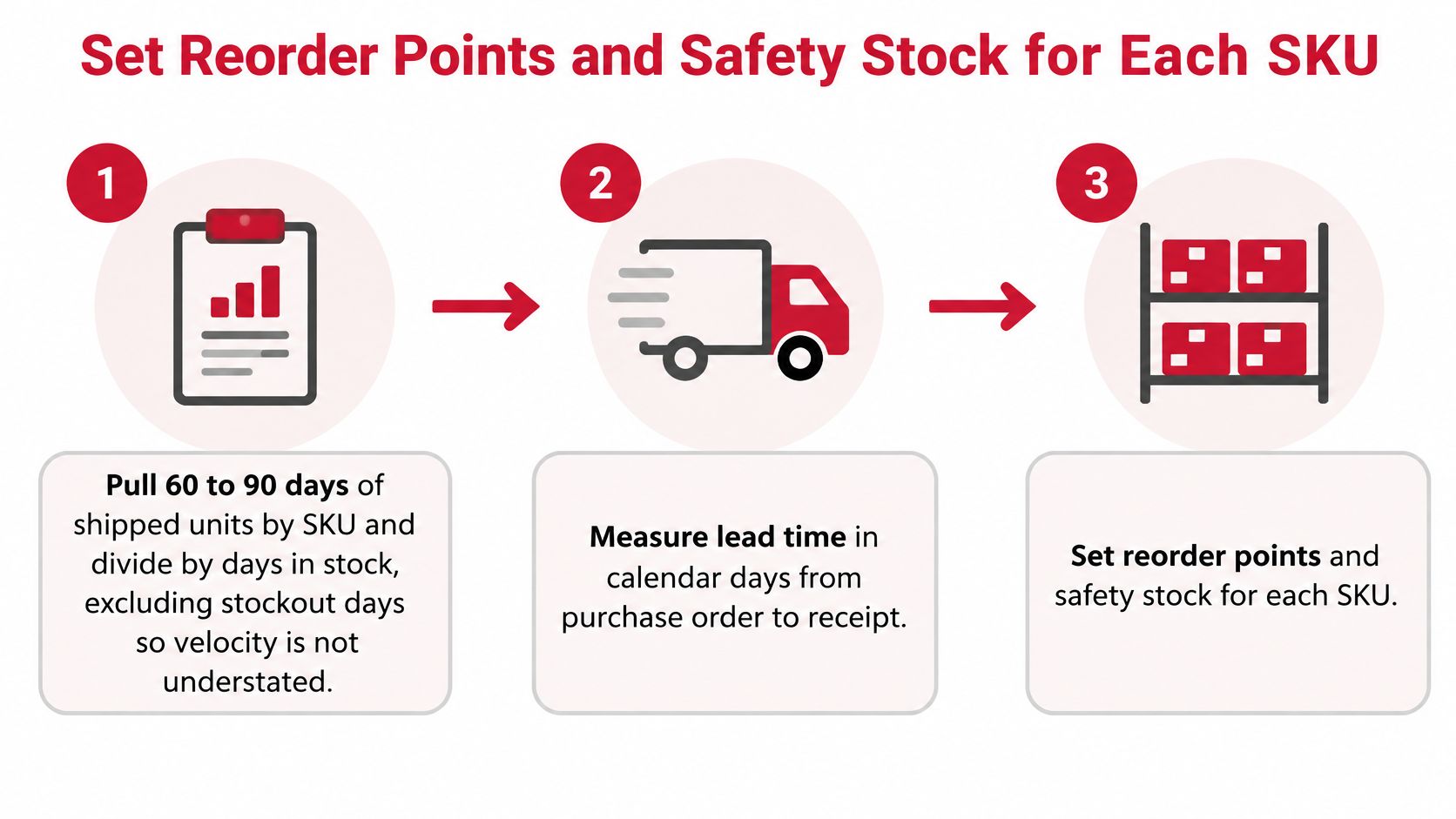
1. Get a clean daily velocity. Pull 60 to 90 days of shipped units by SKU and divide by days the ASIN was in stock. Leave stockout days out. If you include them, velocity looks slower than demand, and the next buy is too small. A ramp is the other trap. Trailing 30-day velocity on a product that is still climbing understates the next month. Use the longer window, then lift it only where the last two weeks are clearly above the 90-day rate.
2. Measure lead time in calendar days, door to door. Count from purchase order to sellable at the fulfillment center: production, transit, and Amazon receiving. Check-in can add a week or more in peak. Supplier “ready to ship” dates are not lead time. If your last three receipts landed in 28, 41, and 36 days, plan on 41, not the average.
3. Class the SKU, then set days of cover. Class A gets the most cover because a stockout there costs rank and ad efficiency. Class C gets less, because extra days become aged cube.
| Class | Typical profile | Safety stock (days) | Review frequency |
|---|---|---|---|
| A | Top 20% of revenue, stable demand | 21 | Weekly |
| B | Mid-volume, moderate demand variance | 14 | Weekly |
| C | Long tail, low or irregular velocity | 7 | Biweekly |
| Seasonal peak uplift | Add to A and B before Q4 | +10 to 14 | Set six to eight weeks ahead |
| Near-dead SKU | Declining velocity, aging stock | 0, do not replenish | Monthly, with cut decision |
4. Set the reorder point. Daily velocity times lead time plus safety days. Say a SKU ships 18 units a day, lead time is 35 days, and safety stock is 14 days. That is 18 × 49 = 882 units. Place the purchase order when on-hand plus inbound falls to 882. Waiting until on-hand alone hits 882 ignores what is already on the water and double-buys.
5. Build Q4 earlier, not bigger at the last minute. Add the seasonal uplift to A and B six to eight weeks before the peak. Late inbound is the usual cause of a November stockout, and a rush air shipment rarely beats a carton that left in September.
The same reorder math has to see every channel that draws the same lot. A replenishment strategy that only watches FBA will sell the wholesale case pack and then show a false stockout online. Inventory tools that keep one available number across the site and the store stop that split. Near-dead rows get zero new cover. Their review is a cut decision, not a buy.
A shipment can meet a SKU's sales rate and still tie up too much paid storage space. Set cadence by velocity, then check whether each inbound earns enough contribution per cubic foot to justify its cover.
| Units per day | Inbound cadence | Target cover per shipment |
|---|---|---|
| Above 25 | Every 3 to 4 weeks | 4 to 6 weeks |
| 10 to 25 | Every 4 to 6 weeks | 6 to 8 weeks |
| 3 to 10 | Every 8 weeks | 8 to 10 weeks |
| Below 3 | Every 12 weeks, or move to FBM | 10 to 12 weeks, or FBM stock |
Take a SKU selling 12 units a day on a five-week cycle. The inbound is 12 × 35 = 420 units. A 900-unit shipment covers 75 days, leaving about 480 extra units, or roughly 40 days of stock, occupying paid cube. If Amazon caps the shipment, send smaller quantities more often to match velocity. Requesting a larger allocation at the last minute repeats the same overstock problem.
Before each planned inbound, check the estimated-storage-cost-next-month field in the FBA inventory report. The Amazon inventory report reference explains that the field projects monthly storage, storage-utilization surcharges, and aged-inventory surcharges based on current sales rate. Compare the forecast with contribution per unit after marketplace fees, fulfillment, and advertising. If a SKU contributes $2.00 per unit and projected storage and aging costs consume a meaningful share, reduce the shipment, change the pack, or hold it back. Trailing sales can overstate what you need after demand slows.
Move a SKU to FBM when FBA fulfillment and storage per unit exceed 3PL pick-pack, carrier, and the carrying cost of your own safety stock. For example, at $4.10 for FBA fulfillment and storage versus $3.40 for 3PL pick-pack and carrier plus $0.30 in safety-stock carrying cost, FBM saves $0.40 per unit before accounting for delivery-promise risk. Below three units a day, compare merchant fulfillment with a longer, thinner FBA cycle. The FBA versus FBM cost comparison helps frame that trade-off. FBM makes sense when the unit still sells and FBA cube is the expensive part, not as a destination for dead stock.
Amazon snapshots inventory on the 15th and charges aged-inventory surcharges on units stored 181 days or longer. The aged-inventory surcharge schedule steps up hard: $0.50 per cubic foot at 181–210 days, $1.00 at 211–240, $1.50 at 241–270, $5.45 at 271–300, $5.70 at 301–330, and $5.90 at 331–365. From 366–455 days the charge is the greater of $6.90 per cubic foot or $0.30 per unit. At 456 days or more it is the greater of $7.90 per cubic foot or $0.35 per unit.
| Age in days | Surcharge |
|---|---|
| 181 to 210 | $0.50 per cubic foot |
| 211 to 240 | $1.00 per cubic foot |
| 241 to 270 | $1.50 per cubic foot |
| 271 to 300 | $5.45 per cubic foot |
| 301 to 330 | $5.70 per cubic foot |
| 331 to 365 | $5.90 per cubic foot |
| 366 to 455 | $6.90 per cubic foot or $0.30 per unit, whichever is greater |
| 456 and over | $7.90 per cubic foot or $0.35 per unit, whichever is greater |
Say a seasonal carton is 1.2 cubic feet, holds four units, and is 300 days old. That month's aged charge is $5.45 × 1.2 = $6.54. If each unit still contributes about $2.00, the four units contribute about $8.00. One surcharge cycle takes roughly 82 percent of that margin. The next band is worse, and you have not yet added monthly storage, the utilization surcharge, a removal fee, or the cash sitting in those four units.
Build that full stack before you “wait for it to sell through.” Waiting is a choice with a price.
Speed beats a perfect price once units are inside 30 days of the 181-day line.
A removal decision is margin management. Treat the 14th like a payables date, not a warehouse chore.
FBA fee lines stack on top of this schedule, which is why the Fulfillment by Amazon fee breakdown belongs in the same file as the age report. If the carton is bulky and the contribution is thin, do not negotiate with the calendar. Pull it.
Units in stock are not the goal. Contribution after marketplace fees, fulfillment, storage, advertising, and markdowns is.
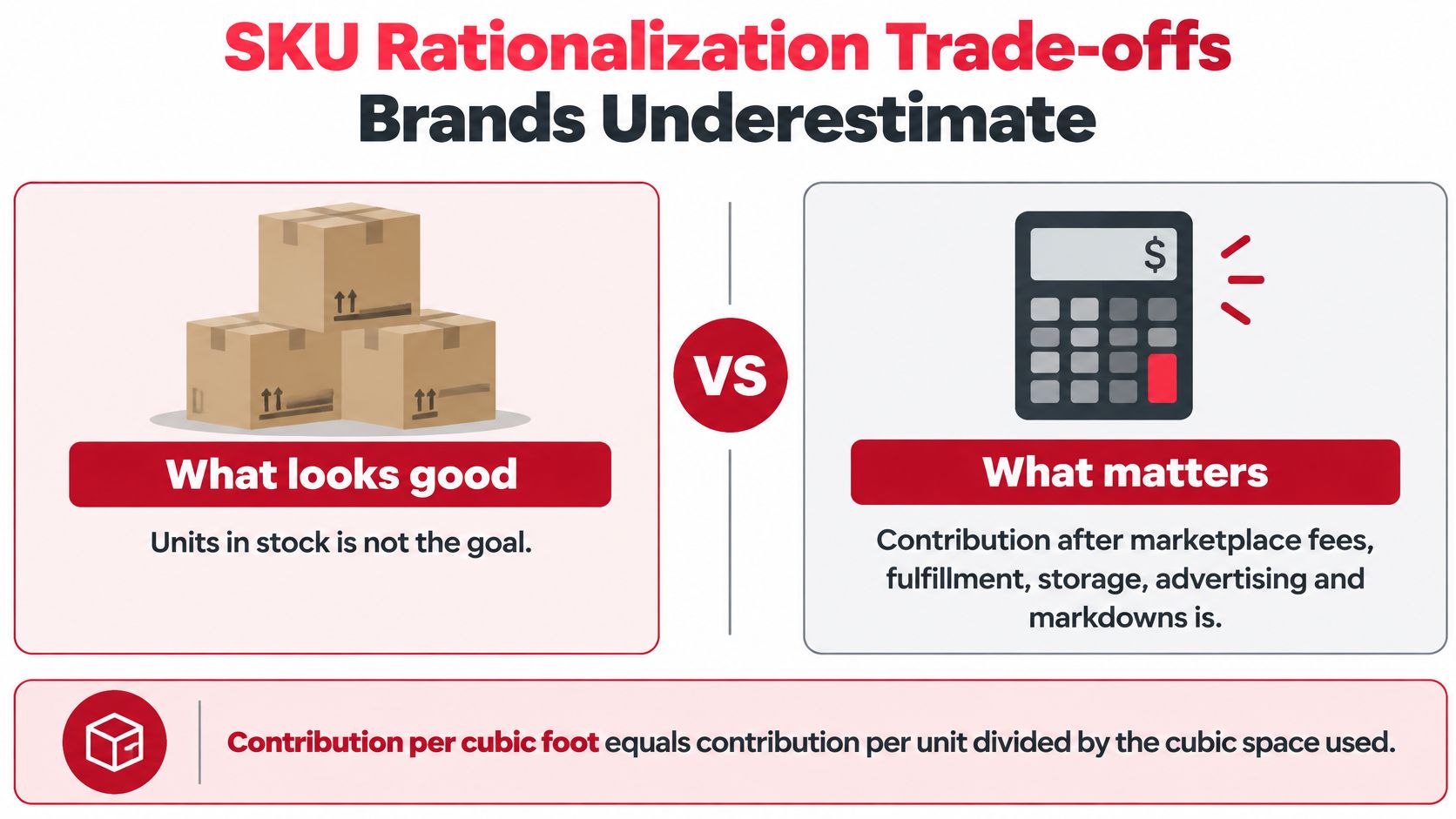
Contribution per cubic foot equals contribution per unit divided by the cubic feet that unit occupies. Say SKU A earns $2.10 on 0.4 cubic feet, which is $5.25 per cubic foot. SKU B earns $0.90 on 1.8 cubic feet, which is $0.50 per cubic foot. Both sell 60 units a month, so a unit report calls them equal. SKU B is the cut or the FBM candidate.
Brands underestimate four costs of “keeping it available.”
Cut or move a SKU when its contribution per cubic foot stays below the rest of the catalog for two review cycles and no bundle or pack change fixes it.
Before the next shipment leaves, make sure the decision accounts for more than unit availability. A SKU can be in stock and still tie up space that would earn more elsewhere. Compare contribution per cubic foot alongside demand, fulfillment costs, and the carrying cost of inventory.
ROAS alone can make an ad-supported SKU look healthy while storage and markdowns reduce its contribution. Use why ROAS can hide profit differences as a prompt to check profitability before increasing spend.
Set a weekly rhythm for inventory decisions. Review the health scorecard on Monday, then make reorder and inbound decisions on Wednesday using the storage-cost forecast. Before the 14th, check which inventory needs removal. Once a month, rank SKUs by contribution per cubic foot and mark each keep, move, or cut.
Keep the inputs current. Audit lead time and unit cost before relying on the model, and reconcile FBA inventory with warehouse records so the same units are not counted twice. Reddog Consulting Group offers inventory management across online and physical retail channels, as well as a free initial consultation before sign-up to assess your current retail strategy and offer guidance on support.
If your sales file is ready, book a strategy call for a free initial consultation. Use it to discuss your retail strategy and the choices affecting your next inbound shipment.
Reddog Consulting Group helps brands manage inventory across channels. A margin review can help clarify whether a SKU earns its space or whether its contribution per cubic foot points to another choice. Visit Reddog Consulting Group to learn about its services.
Leave a comment: