
Published: March 2020 | Last Updated:November 2025
© Copyright 2026, Reddog Consulting Group.

Choosing the right tools for your business can make daily operations smoother and growth more manageable. Some solutions handle sales across different channels. Others focus on keeping inventory in check or making financial tasks less stressful. Each one takes a different approach to common challenges like tracking orders, managing stock, and connecting with customers. If you have ever wondered what sets these options apart or which features actually make a difference for growing brands, what follows will give you a clear picture. The variety of paths these tools offer might surprise you.
RedDog Consulting Group is a results-driven consulting firm that specializes in omnichannel retailing, digital marketing, and brand growth for small and medium-sized businesses. With more than 20 years of experience, the team pairs marketplace mastery — including Amazon FBA and DTC channels — with hands-on operational support to drive measurable revenue growth. If you need a partner who understands both online marketplaces and brick-and-mortar retail, RedDog offers strategic depth and executional discipline.
RedDog blends strategic consulting with tactical services: omnichannel sales expertise; marketplace management and optimization; e-commerce strategies centered on Amazon consulting; data-driven marketing campaigns; and ongoing strategic business guidance. Their offering spans product listing optimization, inventory management advice, campaign design and analytics, and integrated online-offline sales strategies so that your channels don’t compete — they complement.
Straightforward.
RedDog is built for small to medium-sized businesses and CPG brands that want to scale across multiple sales channels without fragmenting operations. If you sell on Amazon, are expanding into DTC, or need integrated online-to-offline plans, RedDog fits. It’s especially valuable for founders and category managers who want an agency that combines marketplace know-how with inventory and marketing discipline.
RedDog’s strength lies in merging omnichannel strategy with execution. Unlike consultants who provide high-level roadmaps or agencies that only run ads, RedDog connects marketplace optimization, inventory strategy, and marketing campaigns into a single playbook. That integration reduces stockouts, cuts wasted ad spend, and aligns listing optimization with distribution strategy. In short: you get a unified growth engine rather than disconnected tactics. This design favors sustainable, measurable YoY improvement over short-term wins.
A CPG brand engaged RedDog to optimize Amazon listings, create an omnichannel distribution strategy, and run targeted marketing campaigns. Within the first year, Amazon sales grew 80% YoY, driven by improved listings, better inventory allocation, and focused ad spend — a clear example of strategy and execution working together.
Pricing is not specified in the provided content; RedDog typically frames engagements as tailored consulting arrangements. This approach reflects a deliberate choice: custom scopes and pricing let them match services to business scale and complexity rather than force a one-size-fits-all package.
Website: https://reddog.group
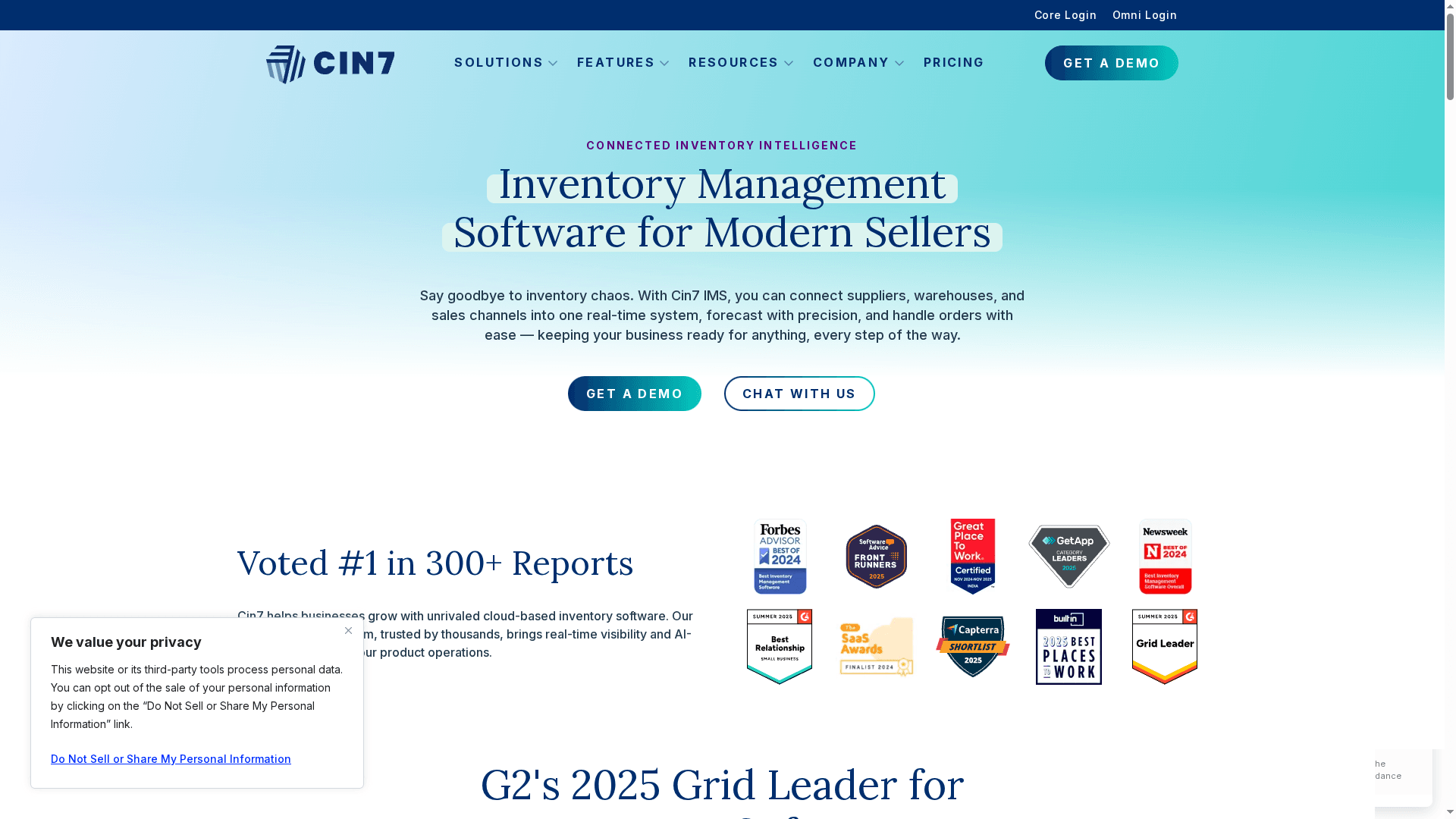
Cin7 is a cloud-based inventory management platform that unifies suppliers, warehouses, and sales channels into a single real-time system. It excels at multi-location inventory, multi-channel retail, and manufacturing workflows while offering AI-driven demand forecasting and deep integrations. The platform is powerful and scalable, but that capability comes with a learning curve and a price tag that may deter smaller sellers. If you need a comprehensive, connected system and can absorb setup and cost, Cin7 delivers measurable operational control.
Cin7 provides connected inventory intelligence, demand forecasting via Cin7 Foresight AI, multi-location inventory control, and both standard and advanced warehouse management modules that support barcode scanning and automated workflows. It includes manufacturing tools such as bills of materials, batch tracking, auto-assembly, and production planning, plus financial integration for real-time inventory cost visibility. With over 700 integrations — including accounting, marketplaces, and POS — Cin7 ties order, warehouse, and retail channels into a coordinated operational stack backed by onboarding and support services.
Cin7 is best suited for medium to large retailers, wholesalers, and manufacturers that operate across multiple channels and locations and need an integrated inventory, order, and production system. If you manage warehouses, run both e-commerce and brick-and-mortar sales, or require production planning tied to inventory, Cin7 is designed for your use case.
Cin7’s value lies in its breadth: a single platform that combines inventory intelligence, manufacturing functionality, advanced warehouse management, and AI forecasting while linking to hundreds of external systems. That degree of integration reduces manual reconciliation and provides a unified operational view.
A retail company uses Cin7 to synchronize its online storefront, physical outlets, and central warehouse so inventory levels update in real time, automated reorder points trigger supplier purchases, and forecasting reduces seasonal stockouts — freeing the operations team to focus on growth instead of firefighting inventory discrepancies.
Starts at $349/month for the Standard plan, with Pro at $599/month, Advanced at $999/month, and custom pricing for Enterprise solutions.
Website: https://cin7.com
QuickBooks is an accounting-first platform that combines AI-powered automation with live expert support to simplify bookkeeping, invoicing, payroll, and financial reporting. It’s designed for small businesses, freelancers, and solopreneurs who want an all-in-one solution that reduces manual work and offers professional guidance when needed. The breadth of integrations and mobile apps make it practical for omnichannel sellers, though plan complexity and price can be limiting as you scale.
QuickBooks centers on automated bookkeeping and invoicing powered by AI, plus built-in tools for expense tracking, inventory management, payroll integration, and cash flow reporting. The service connects with over 800 apps to link sales channels, banks, and payment systems. Live expert support is available for setup, bookkeeping, and taxes, and the platform includes dashboards and reports designed to surface cash flow risks and tax-ready data.
QuickBooks is best for small business owners, freelancers, and solopreneurs who need a single platform to handle accounting, invoicing, and payroll with automation and expert backup. If you sell across channels and want integrations to keep inventory and cash flow aligned, QuickBooks fits well—especially when you value a partner that can also provide bookkeeping and tax advice.
QuickBooks’ distinguishing strength is the combination of AI automation plus live expert access, all within a broad integration ecosystem. That mix reduces manual accounting work while giving you human support for setup and tax questions—so you get speed without sacrificing accuracy.
A small retail business uses QuickBooks to automate invoicing, track expenses, reconcile bank statements with AI assistance, generate monthly financial reports, and consult live experts to optimize cash flow and prepare for tax season.
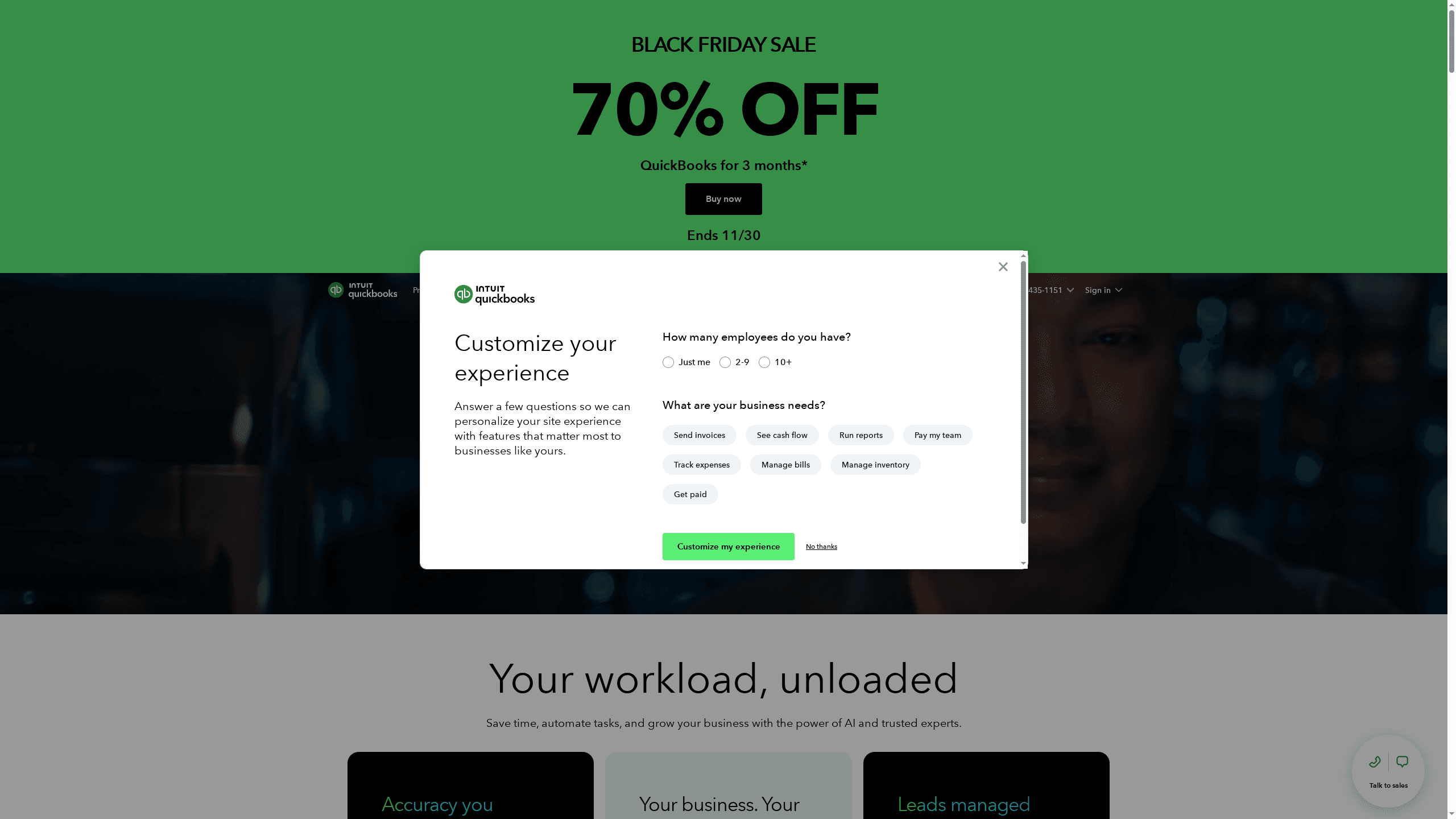
Plans start from $11.40/month with promotional discounts available; currently there is a Black Friday promotion offering 70% off for 3 months (ending 11/30) and a 30-day free trial with expert assistance. Regular pricing varies by plan and features.
Website: https://quickbooks.intuit.com
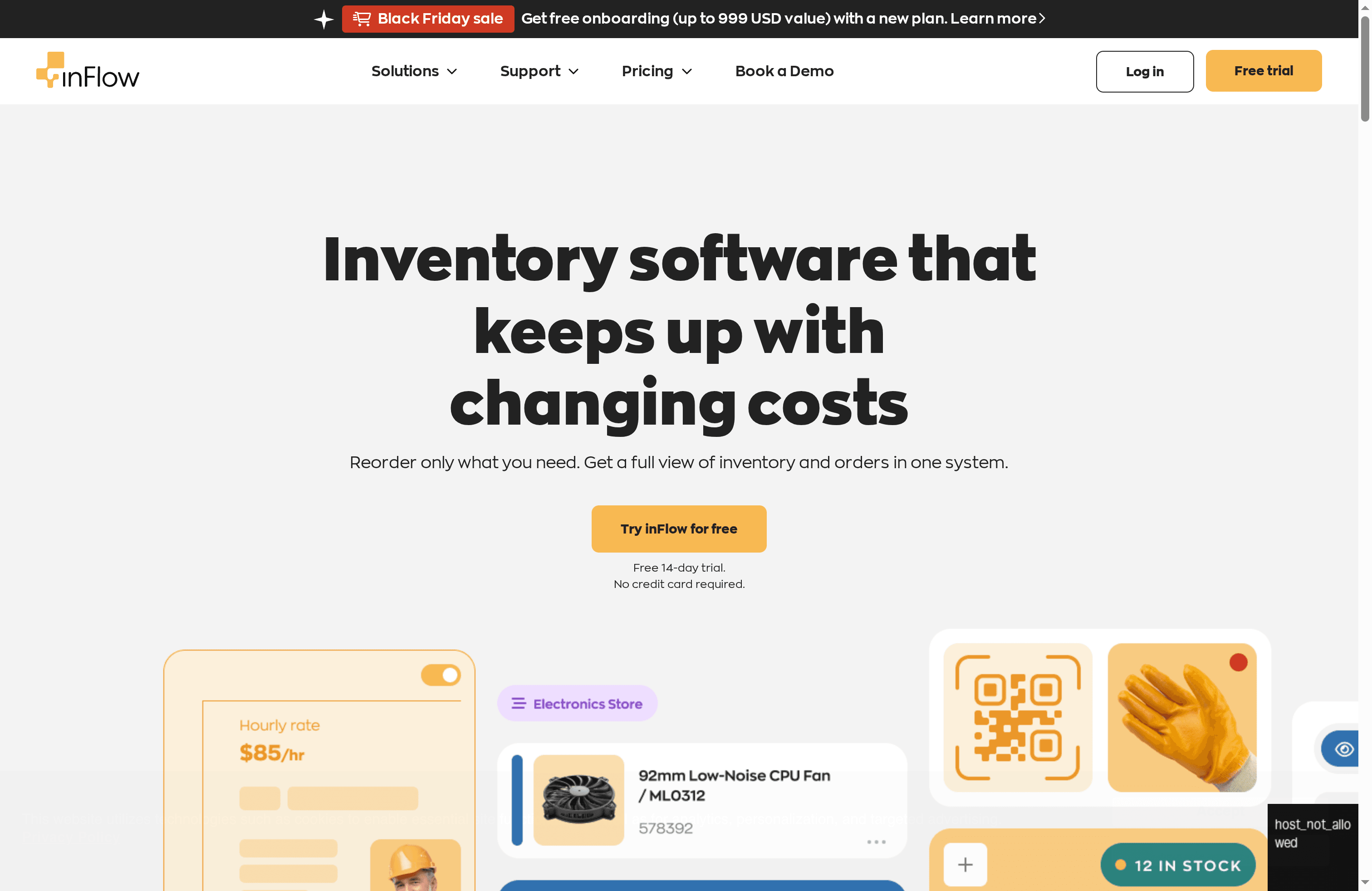
Inflow Inventory is a practical, accessible inventory management solution built for small and mid-sized businesses. It shines for teams that need straightforward inventory, order, and shipping workflows without a steep learning curve. Compliance with GDPR and SOC 2 adds credibility for businesses handling customer and operational data. Try it risk-free with a 14-day trial that requires no credit card.
Inflow focuses on core inventory and order management with an easy-to-use interface that reduces setup friction. Key capabilities include sales, shipping, barcoding, scanner and label printer support, plus modules for manufacturing and stockroom management. The product scales from sole entrepreneurs to teams of 50+ and supports hardware like smart scanners and portable label printers to speed warehouse tasks.
Short version: it covers the basics well—and then some.
If you run a small retail shop, a growing online brand, or a light manufacturing operation, Inflow is aimed at you. It’s best for business owners, operations managers, and inventory controllers who prioritize ease of use, hardware support, and out-of-the-box inventory and shipping tools rather than highly customized enterprise workflows.
Inflow’s distinct advantage is combining a clean, approachable UI with physical hardware support and manufacturing/stockroom modules—delivered in a package that scales from one-person shops to teams over 50. The GDPR and SOC 2 compliance gives additional assurance for businesses that must protect customer and operational data.
Imagine a small retail business that needs to track stock across a warehouse and an online storefront: they use Inflow to barcode incoming products, update stock levels in real time, pick and pack orders with smart scanners, and print labels via portable printers—reducing errors and speeding fulfillment.
A free 14-day trial is available with no credit card required; specific subscription pricing and tiers are not provided in the available content.
Website: https://inflowinventory.com
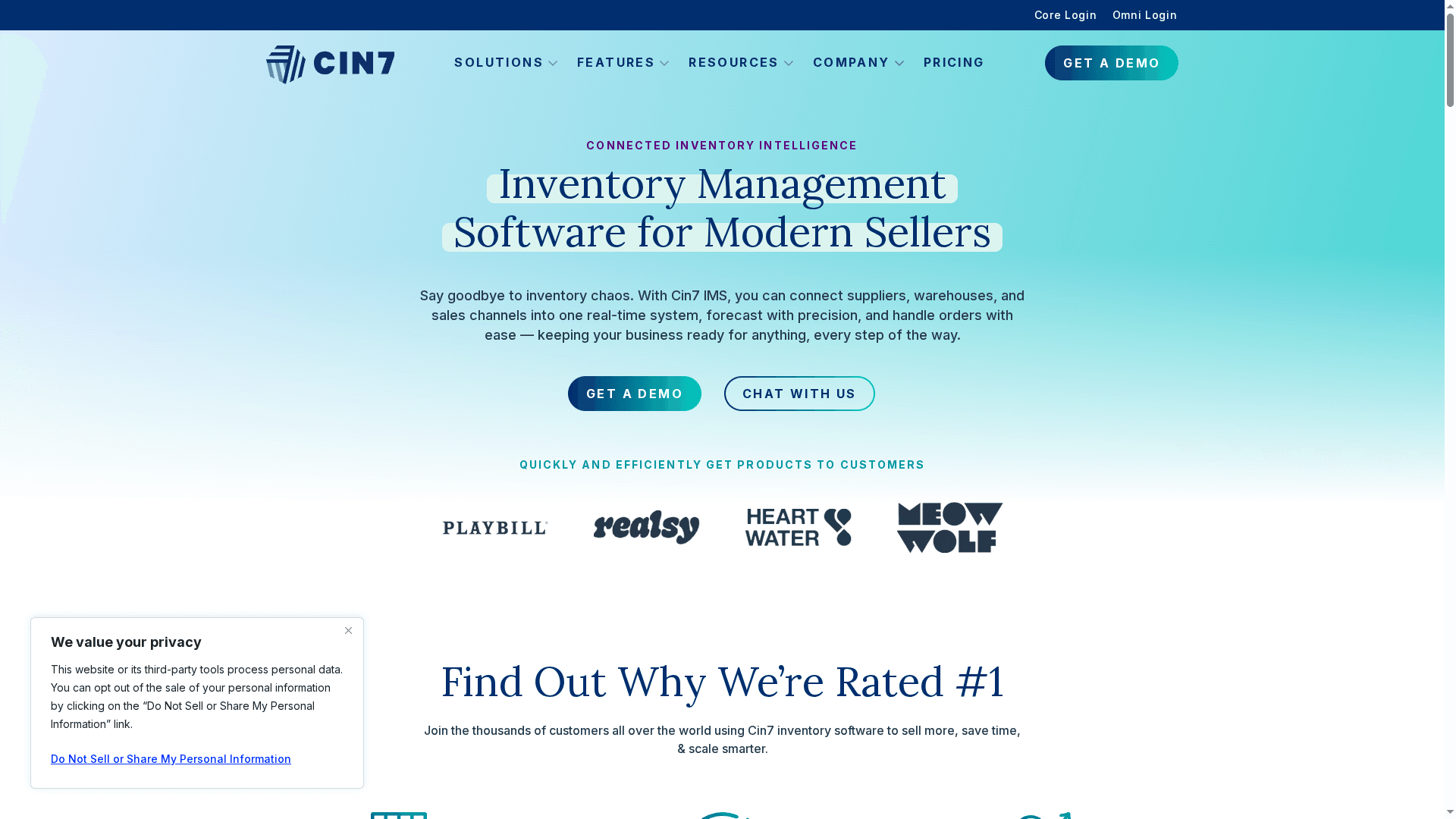
Cin7 is a cloud-based inventory hub that ties suppliers, warehouses, and sales channels together into a single, real-time system. It delivers AI-driven demand forecasting, inventory optimization, and broad connectivity—over 700 integrations—with common platforms like accounting, marketplaces, and ecommerce. For growing retailers and omnichannel brands, Cin7 offers the depth needed to scale; for very small businesses, the cost and complexity may feel heavy. Overall, it’s a robust platform built for businesses that need centralized visibility and automation across multiple channels.
Cin7 centralizes inventory, orders, and production workflows so you can see stock and movements in real time across suppliers, warehouses, and sales channels. Key capabilities include AI-driven demand forecasting and inventory optimization to reduce stockouts and overstock, plus industry-specific modules for retail, manufacturing, food & beverage, and health & beauty. The platform supports multi-channel selling with integrations to accounting, shipping, and marketplace platforms—more than 700 connectors in total—and offers onboarding and support services to help teams adopt the system.
Cin7 is best for retailers, wholesalers, manufacturers, and ecommerce brands that operate across multiple channels or locations and need centralized, real-time inventory control. If you manage several warehouses, sell via marketplaces and D2C channels, or run assembly/production workflows, Cin7 is aimed at teams that plan to scale and want a single source of truth.
Cin7’s standout value is its combination of wide integrations and industry-specific modules tied to AI-driven forecasting—giving businesses a scalable inventory backbone that connects front-end sales channels to back-office operations in real time.
Fashion brand Meghan Fabulous used Cin7 as their inventory hub to connect retail stores, online stores, and D2C channels, unifying inventory and order flows so fulfillment and replenishment became consistent across channels.
Starting at $349 per month for the Standard plan, with higher tiers available for growing businesses and enterprise solutions.
Website: https://cin7.com
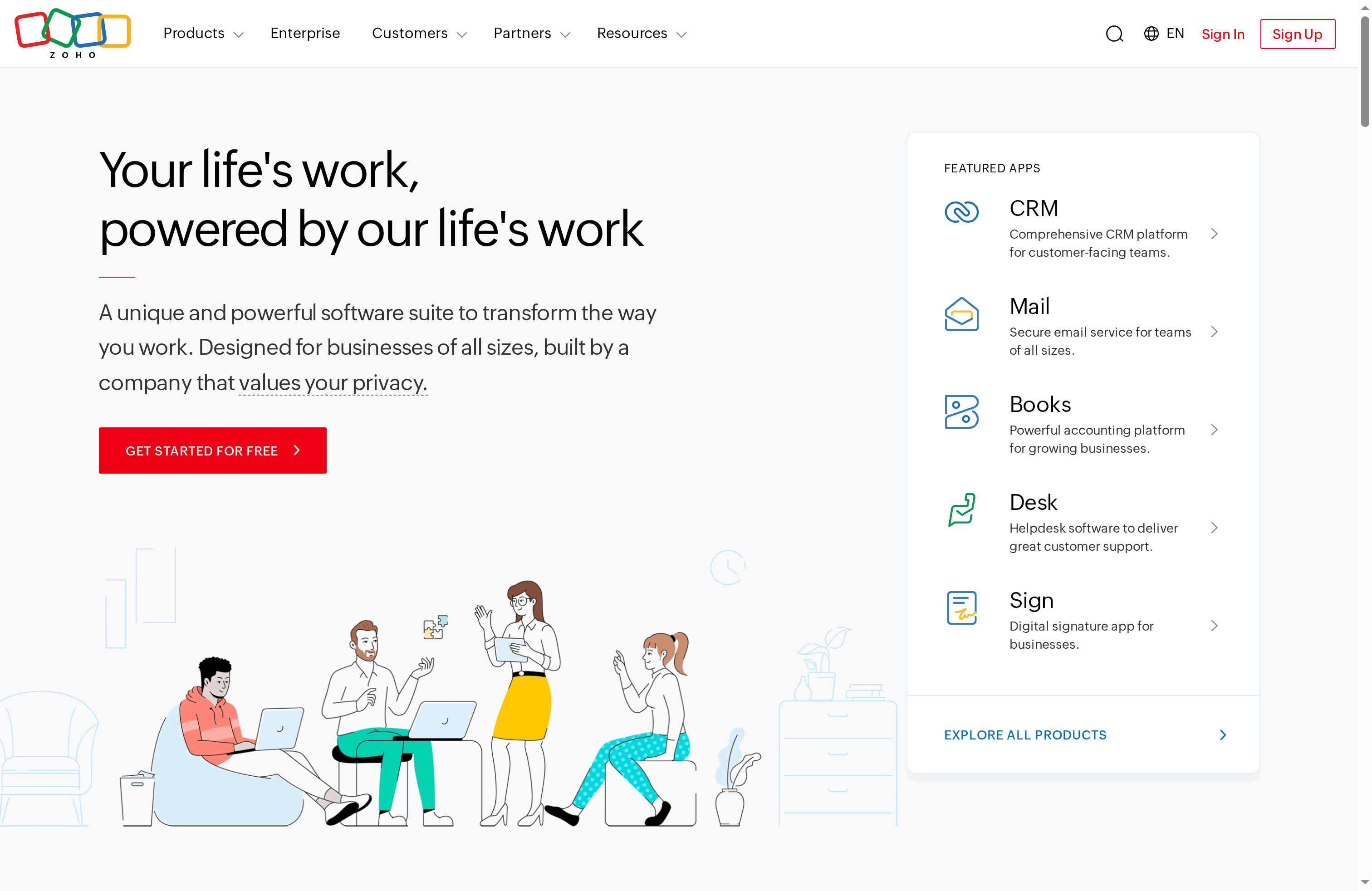
Zoho is an integrated cloud software suite that bundles CRM, email, accounting, HR, and helpdesk tools into a single package called Zoho One. It’s designed to reduce vendor fragmentation and support businesses that want centralized, privacy-focused operations. For small and medium retailers and omnichannel brands, Zoho delivers broad functionality at a cost-effective entry point. Expect a lot of capability in one place — but plan for onboarding and configuration time.
Zoho’s core strengths come from breadth and integration: a comprehensive CRM for sales and customer-facing teams, secure business email, a powerful accounting module, HR automation tools, and helpdesk software that connects to the rest of the suite. Those modules are tied together under Zoho One so you can build integrated workflows across sales, finance, support, and people operations without stitching multiple vendors together.
Zoho is best for small and medium-sized businesses, retailers, and omnichannel brands that want a single vendor to handle CRM, accounting, HR, support, and email. It fits teams that prefer configuration over customization and those who prioritize privacy, scalability, and cost predictability at the outset.
Zoho’s unique value is its unified suite approach: one vendor, many apps, and integrated workflows that reduce the friction of multivendor setups. For businesses aiming to centralize operations and lower integration overhead, Zoho presents a pragmatic, privacy-minded alternative.
A growing retailer uses Zoho CRM to track multi-channel customer interactions, Zoho Books for accounting and invoicing, and Zoho Desk to manage after-sales support; all apps share data inside Zoho One so orders, payments, and support tickets reflect consistent customer records and reduce manual reconciliation.
Access all apps for free to start; the provided content does not list subscription tiers or per-month pricing, so budget planning requires contacting Zoho for specific quotes based on the apps and user counts you need.
Website: https://zoho.com
This table provides a concise comparison of several business management solutions, highlighting their core features, pros, cons, pricing, and ideal user groups.
| Product | Core Features | Pros | Cons | Pricing |
|---|---|---|---|---|
| RedDog Consulting Group | Omnichannel sales, marketplace management, e-commerce strategies, data-driven marketing, strategic guidance | 20+ years experience, tailored solutions, ROI-focused, omnichannel expertise, end-to-end support | Custom pricing, pricing details not specified | Custom pricing, details not specified |
| Cin7 | Inventory management, AI forecasting, multi-location control, financial integration, 700+ integrations | Extensive integrations, strong warehouse tools, AI forecasting, scalable, comprehensive support | Starting at $349/month, steep learning curve | Starting at $349/month |
| QuickBooks | Automated bookkeeping, invoicing, expense tracking, inventory management, payroll integration | Comprehensive for small businesses, strong automation, live expert support, good integrations, mobile apps | Pricing may rise with features, user plan complexity | From $11.40/month (promo) |
| Inflow Inventory | Inventory and order management, barcoding, manufacturing modules, user-friendly interface, trial available | Intuitive, comprehensive beyond inventory, hardware support, flexible for growth, no card required for trial | Pricing not detailed, limited integration details, uncertain support specifics | Trial available, pricing not specified |
| Zoho | CRM, email, accounting, HR, helpdesk, integrated workflows, privacy focused | All-in-one, customizable, cost-effective, privacy emphasis, application breadth | Feature gaps not detailed, potential suite complexity, specific pricing unclear | Free to start, contact for pricing |
Inventory management software is essential for growing brands but choosing and implementing the right system can feel overwhelming. This article highlights common pain points such as complex multi-location tracking, demand forecasting accuracy, and costly stockouts or overstocks. If you find yourself struggling to unify sales channels, optimize fulfillment, or translate data into clear actions, you are not alone. Brands need an integrated approach that goes beyond software features to include strategic inventory guidance and channel alignment.
That is exactly where RedDog Consulting Group steps in. With over 20 years of hands-on experience managing more than 30,000 SKUs across Amazon FBA, DTC, and brick-and-mortar, we specialize in harmonizing inventory strategies with marketplace optimization and tailored marketing campaigns. Our results-driven approach lowers risk, reduces wasted spend, and delivers consistent year-over-year revenue growth. We understand the importance of turning insights into execution so your inventory works for your business—not against it.
Unlock the power of a unified growth engine by partnering with experts who know how to connect your inventory management to sales and brand growth. Visit our RedDog Consulting Group homepage to learn about our strategic consulting and inventory management services. Ready to overcome inventory headaches and scale confidently? Get started today by reaching out at https://reddog.group. Your path to inventory mastery begins here.
Look for features like real-time inventory tracking, demand forecasting, order management, and integration capabilities with your sales channels. Prioritize tools that reduce stockouts and improve accuracy by providing actionable insights.
Inventory management software helps reduce operational costs by optimizing inventory levels and streamlining workflows. By tracking stock more efficiently, businesses can minimize excess inventory and improve cash flow, potentially reducing costs by approximately 20%.
Small to medium-sized businesses, as well as larger retailers and wholesalers, benefit the most from inventory management software. These solutions are tailored to enhance efficiency in companies that operate across multiple channels and need centralized control of their inventory.
Evaluate your business size, sales volume, and specific features you require to determine the right pricing tier. Many software options offer tiered pricing based on these factors, so consider a free trial to assess value.
Yes, training staff on new inventory management software is essential to maximize its benefits and ensure proficient usage. Plan for a training period of two weeks to one month, enabling staff to adapt to the new system effectively.
Yes, most inventory management software solutions offer integration with various business tools such as accounting software, e-commerce platforms, and point-of-sale systems. Assess integration capabilities to ensure a seamless flow of information between different systems.
Leave a comment: